
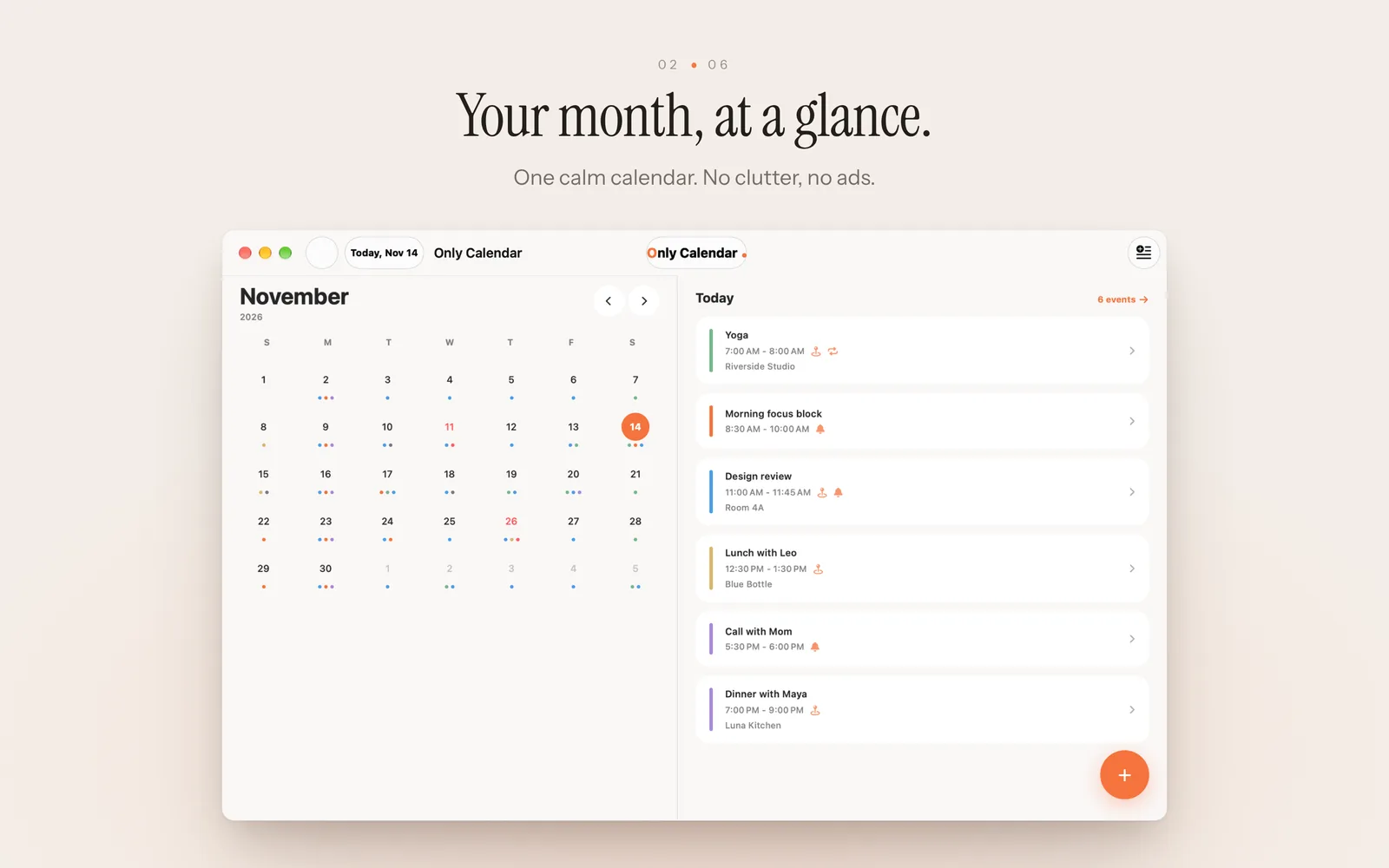
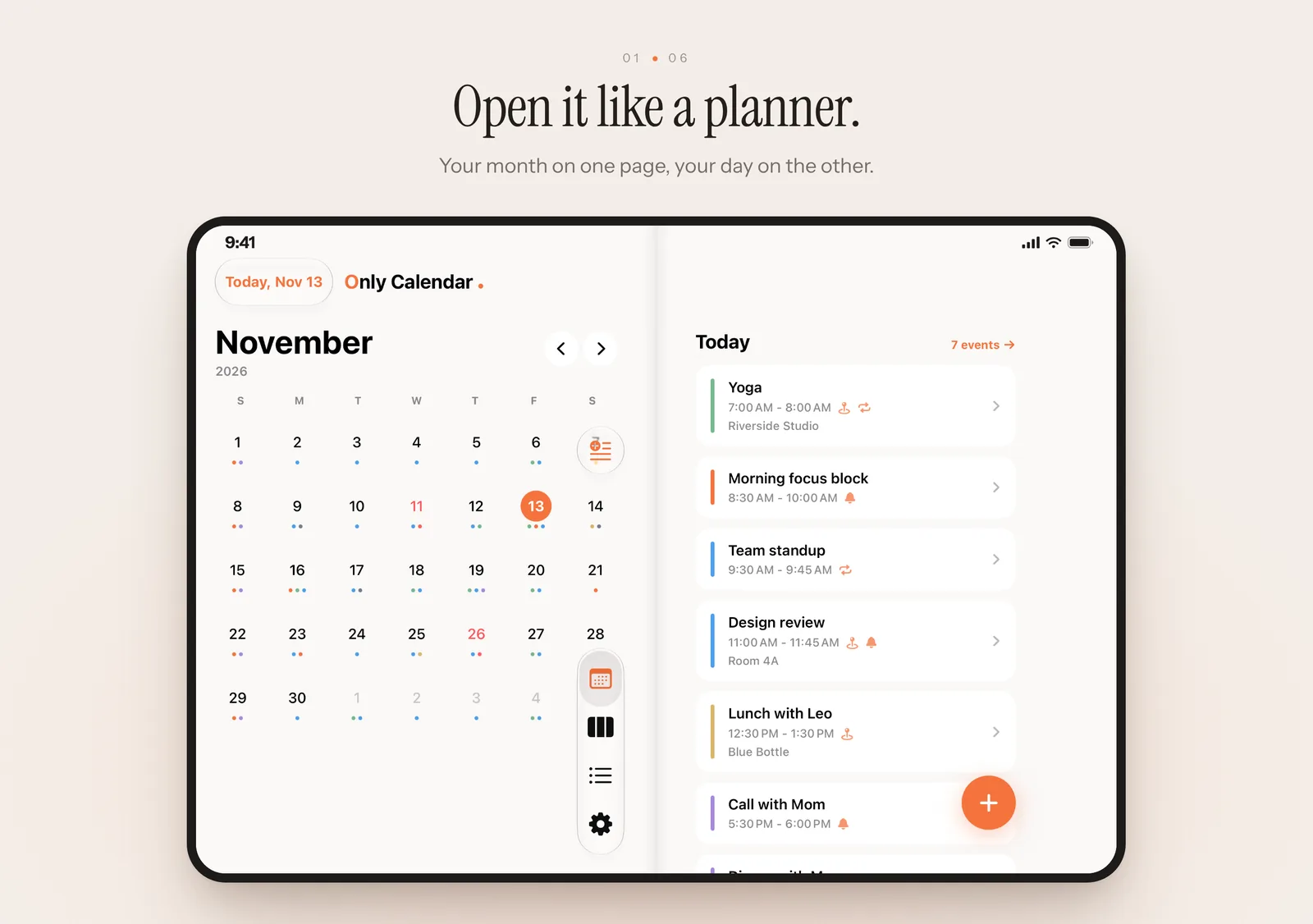
Only Calendar is a calm, private calendar for iPhone and Mac. Type plans in plain words, share text or photos to make events, see and edit all your calendars, lunar repeats, countdowns, holidays for 20 regions, and optional iCloud sync.
Quiet on every screen
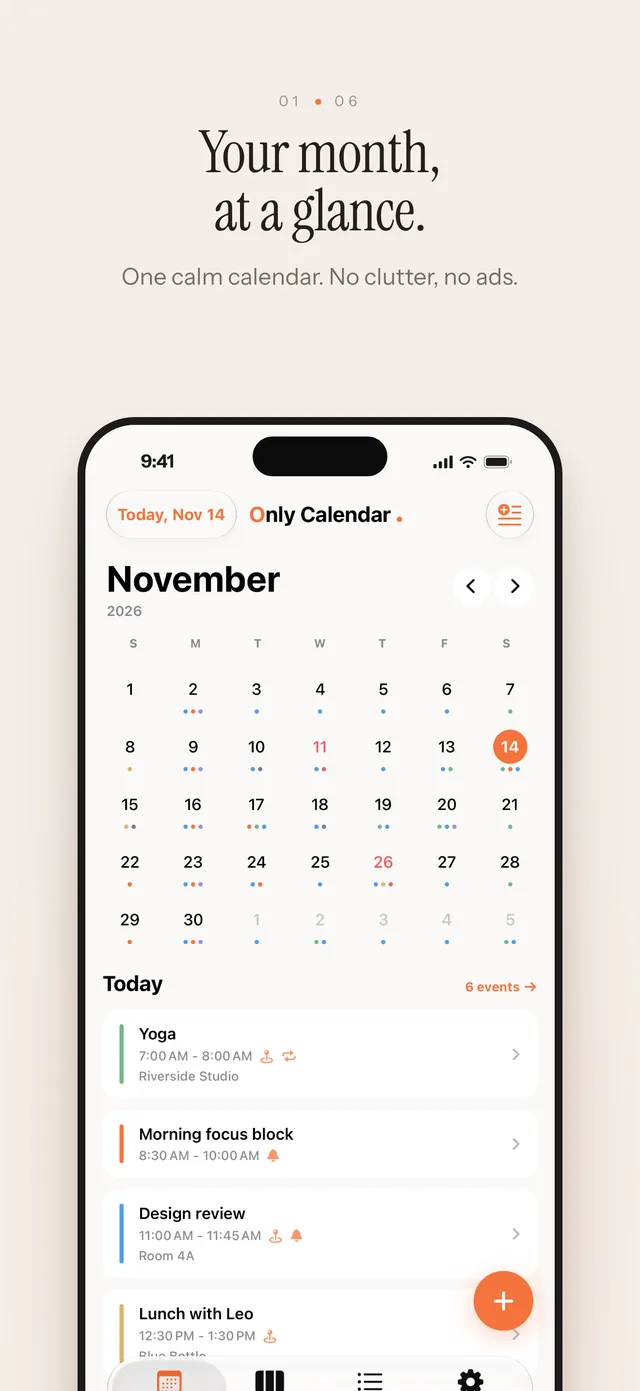
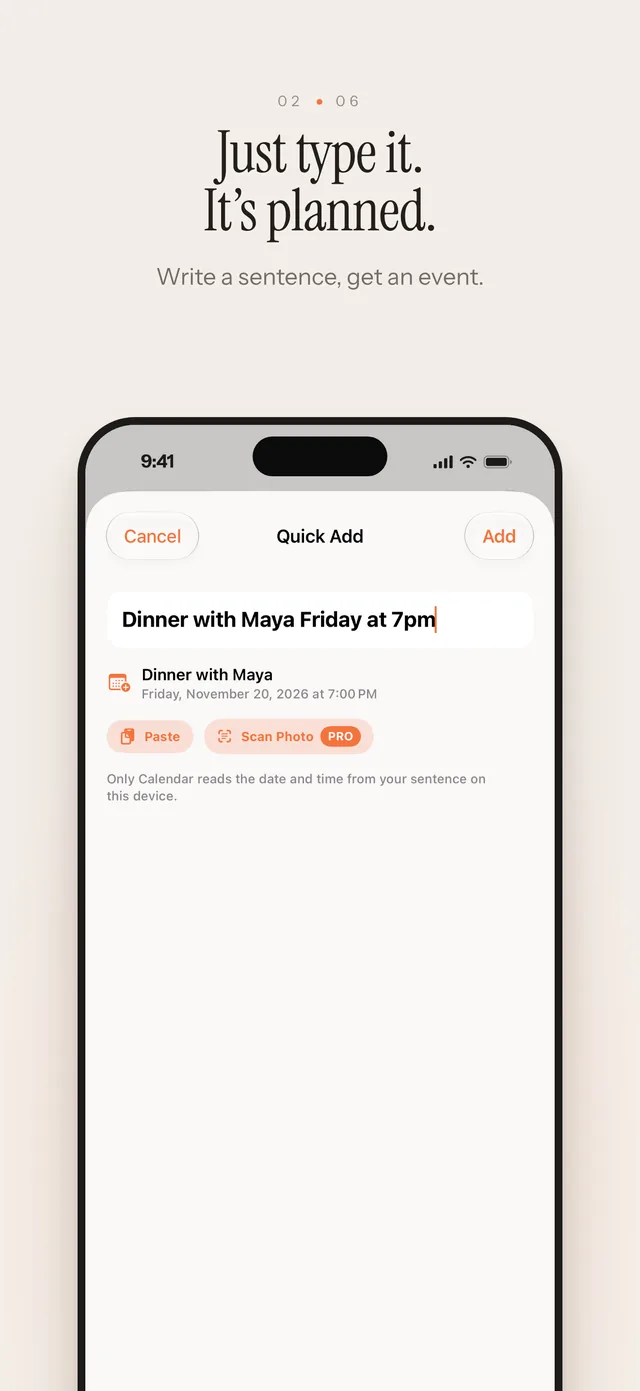
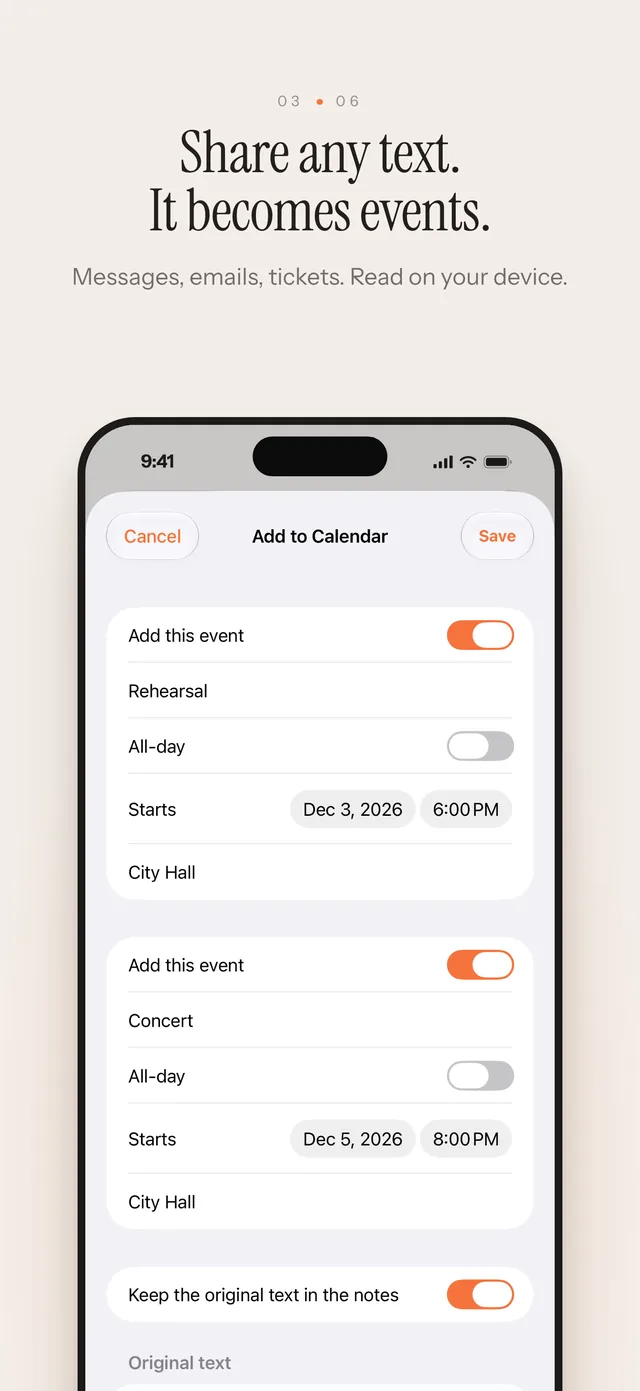
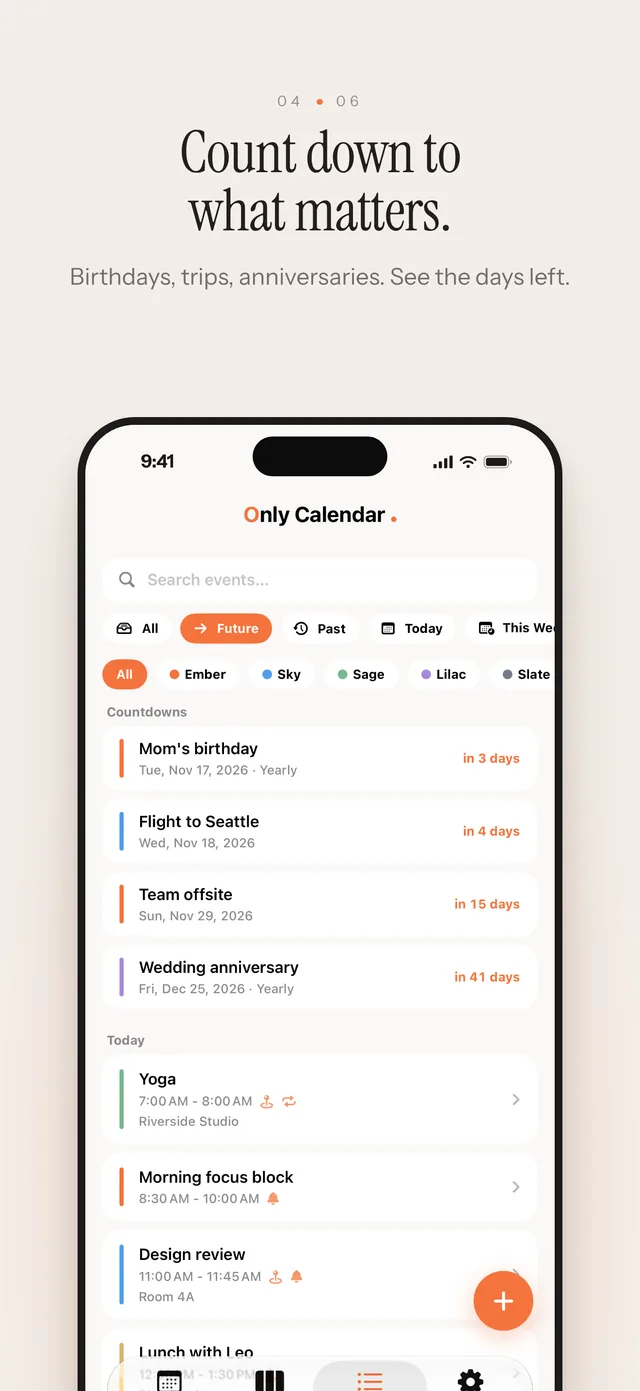
When to choose Only Calendar
Choose Only Calendar if you want a quiet personal calendar on iPhone and Mac that lets you type or share plans in plain words, shows all your calendars in one place, and keeps your data on your devices and in your own iCloud.
Plan in plain words, keep it private
Product fit and data model
- Category
- Productivity
- Platforms
- iPhone (iOS 18 or later), including iPhone Duo two-page layouts; Mac (macOS 15 or later). One purchase covers both.
- Languages
- 16 languages, including English, Chinese (Simplified and Traditional), Japanese, Korean, German, French, Spanish and more.
- Price
- Free with unlimited events. Pro: yearly subscription with a 1-week free trial, or a one-time purchase with Family Sharing.
- Privacy model
- No account, no ads, no tracking. Events stay on your device; text and photos you share are read on your device. Dojoism does not operate a calendar server.
- Data and sync
- On-device storage, local reminders, widgets, ICS/JSON/text import and export; optional iCloud sync through your own private iCloud with Pro.
Best for
- People who want one calm view of their own plans and the calendars already on their iPhone or Mac.
- Anyone who adds plans from messages, emails, tickets and screenshots and wants that to take one step.
- Users who keep lunar birthdays, countdowns and public holidays in more than one region.
- People who want their calendar data on their own devices and in their own iCloud.
Not built for
- Shared enterprise calendaring, meeting scheduling automation or team calendar administration.
- Shared family calendars inside the app (Family Sharing applies to the lifetime purchase, not to events).
Only Calendar does the work of understanding a plan — the words, the date, the place — so you can stay with the day itself. Everything it reads, it reads on your device.
Common questions
What is Only Calendar best for?
Choose Only Calendar if you want a quiet personal calendar on iPhone and Mac that lets you type or share plans in plain words, shows all your calendars in one place, and keeps your data on your devices and in your own iCloud.
Is Only Calendar free?
Yes. The free version has unlimited events, every view, Quick Add, sharing text to the app, lunar repeats, countdowns, holidays, one reminder per event, your device calendars and Home Screen or desktop widgets.
What does Pro add?
Editing and adding events in your other calendars (iCloud, Google, Exchange…), iCloud sync between iPhone and Mac, scanning photos into events, up to five reminders per event, calendar subscriptions by link, Lock Screen and large widgets, themes and app icons. Pro is a yearly subscription with a 1-week free trial or a one-time purchase with Family Sharing; one purchase covers iPhone and Mac. Pro bought in version 1.0 stays yours.
Does Only Calendar require an account?
No. There is no Dojoism account, no ads and no tracking. Events stay on your device; with Pro they sync through your own private iCloud. Dojoism does not run a calendar server and never receives your events.
Can it edit my Google or Outlook calendar?
If the account is added to your iPhone or Mac (iCloud, Google, Exchange and similar), Only Calendar shows its events for free and, with Pro, can change, move, delete and add them. Changes go through Apple's calendar system, so your account syncs them as usual. Read-only calendars such as subscriptions, birthdays and invitations from others stay locked.
Who should not choose Only Calendar?
Teams that need shared enterprise calendaring, meeting scheduling automation or calendar administration.